Clients see status without chasing updates
Give customers one place to check project progress, next steps, and open items.
TotalDeal helps small teams run a cleaner project client portal with status visibility, file sharing, comments, approvals, invoices, and payments tied back to the CRM.
Start Free Trial Book Live Demo
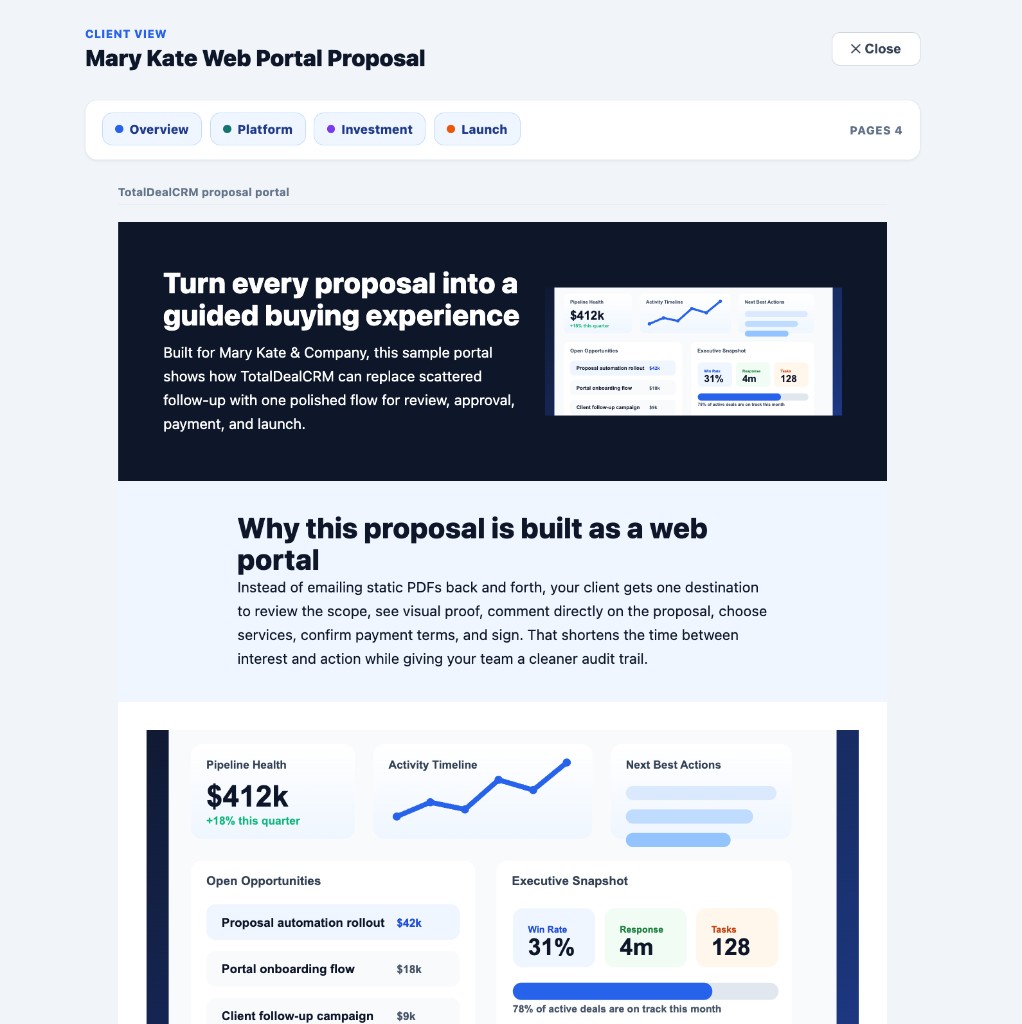
Once work is active, customers want a cleaner experience than email updates and loose file links. Teams need project communication tied to the same account, approvals, and billing workflow.
Give customers one place to check project progress, next steps, and open items.
Keep comments, revisions, and approval activity tied to the active project instead of scattered threads.
Portal activity stays attached to the CRM record, delivery workflow, and project history.
Move from project review into invoices, pay links, and payment follow-through without switching systems.
Give customers one workspace for project files, updates, and next actions.
Collect comments, approvals, and review decisions inside the same client-facing workflow.
Keep account history, delivery status, and team handoff tied together.
Connect finished work to invoices, payment reminders, pay links, and collection visibility.
Service teams, consultants, and creatives who want clients reviewing active work inside a project portal connected to approvals and billing.
Teams that only need a simple file-share folder or a basic project board without client visibility, approvals, or payment follow-through.
It should let customers see status, review files, give feedback, approve work, and stay aligned on next steps without hunting through email threads.
Yes. TotalDeal can keep project portal activity connected to approvals, invoices, pay links, and payment visibility.
It fits small client-work teams that need customers engaged during delivery, not just at the lead or billing stage.
See the broader client-facing portal angle on this workflow.
Explore the CRM-first version of the same portal system.
See how signoff and review fit into active delivery.
Go deeper on collecting comments, revisions, and decisions in context.
Connect completed work to payment follow-up and reminder workflows.
Compare the adjacent workflows buyers usually evaluate when they want a project portal tied to customer visibility, approvals, and billing.
See the full product behind portal access, projects, approvals, invoices, and payments.
Compare the client-facing portal angle on the same workflow.
See the CRM-first version of a connected project portal.
Explore the feedback and revision side of active project work.
Compare signoff, review, and handoff inside delivery.
See how project completion flows into invoice follow-up and payment collection.
Start the free trial if you want to test the project portal yourself. Book a live demo if you want help mapping the client-facing workflow first.