See how a proposal becomes a signed, paid, kicked-off project
Follow one client through the whole workflow — pipeline, proposal and approval, delivery and portal, then invoicing and payment — to see TotalDeal as one connected system instead of a list of isolated features.
Written for agencies, consultancies, studios, and other client-services businesses. Selling software, AI, or another B2B product? Start with the B2B sales tour instead.
1. Capture the lead and move it through your pipeline
A lead comes in from your website form, lands in your workspace, and you move it through your stages — with contacts, activity, and prioritization showing what's warm and what to send next.
Capture leads from your website, then work them through every stage
New website-form submissions become leads automatically. Track opportunities by stage, see next actions, review recent activity, and use AI Smart Search or Deal Doctor to focus attention where it matters — so no lead slips before it ever reaches a proposal.
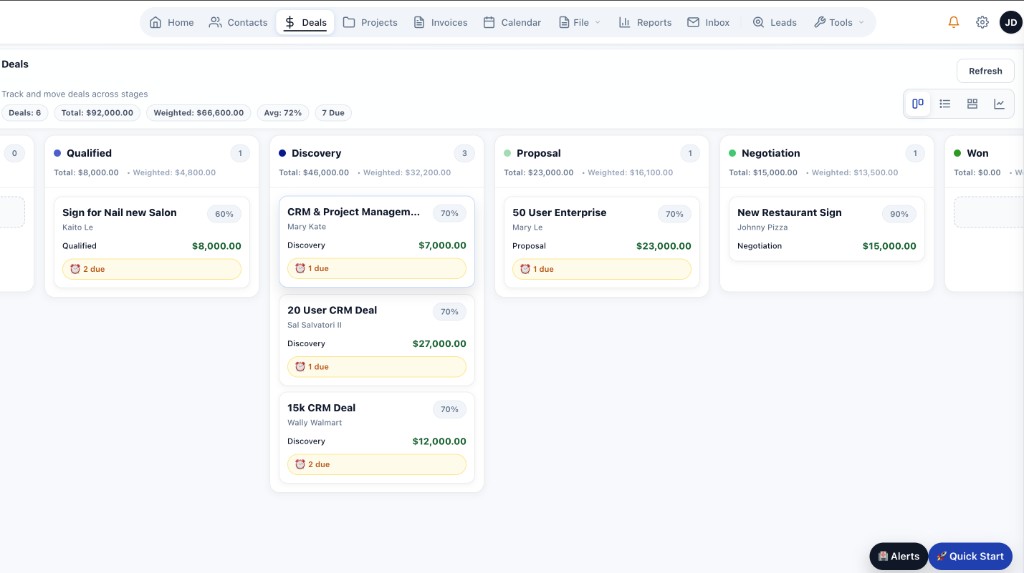
Deals board
2. Send the proposal, get it approved and signed
When the work becomes client-facing, the platform keeps proposals, files, proofing, revisions, and sign-off in the same flow — so approval doesn't scatter across email.
Keep approvals attached to the actual work
Documents, PDFs, images, and video reviews don't need to drift into separate tools. Comments, revisions, and approval state stay visible, and you can see when a proposal has been viewed but not yet signed.
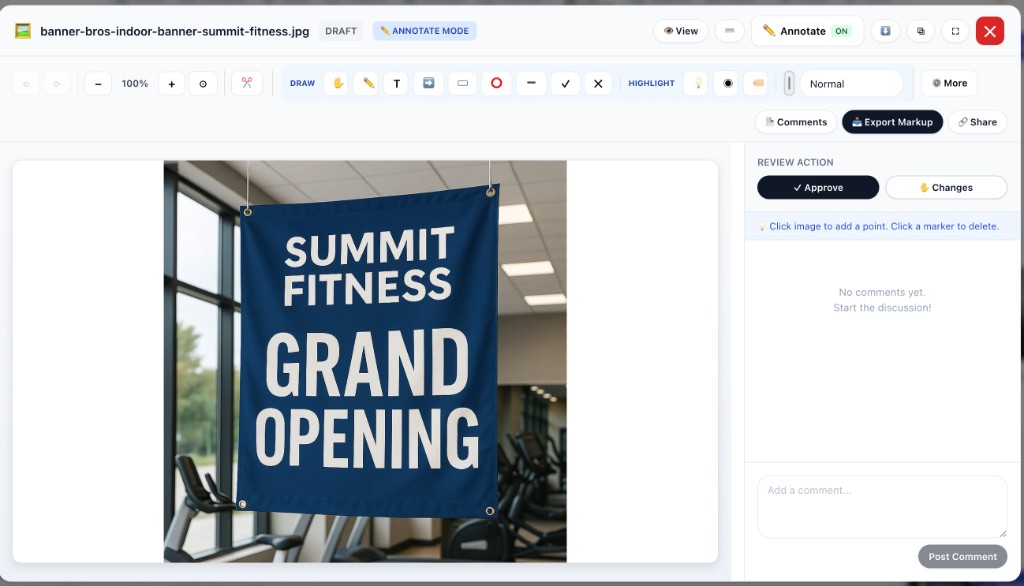
Annotation and review
3. Keep clients aligned during active delivery
The client portal and project workflow help teams keep visibility, updates, comments, and next steps in one place.
Give clients a cleaner experience
Portal access, project visibility, feedback, and approval flow all stay connected to the same account and active work — instead of a status-update email chain.
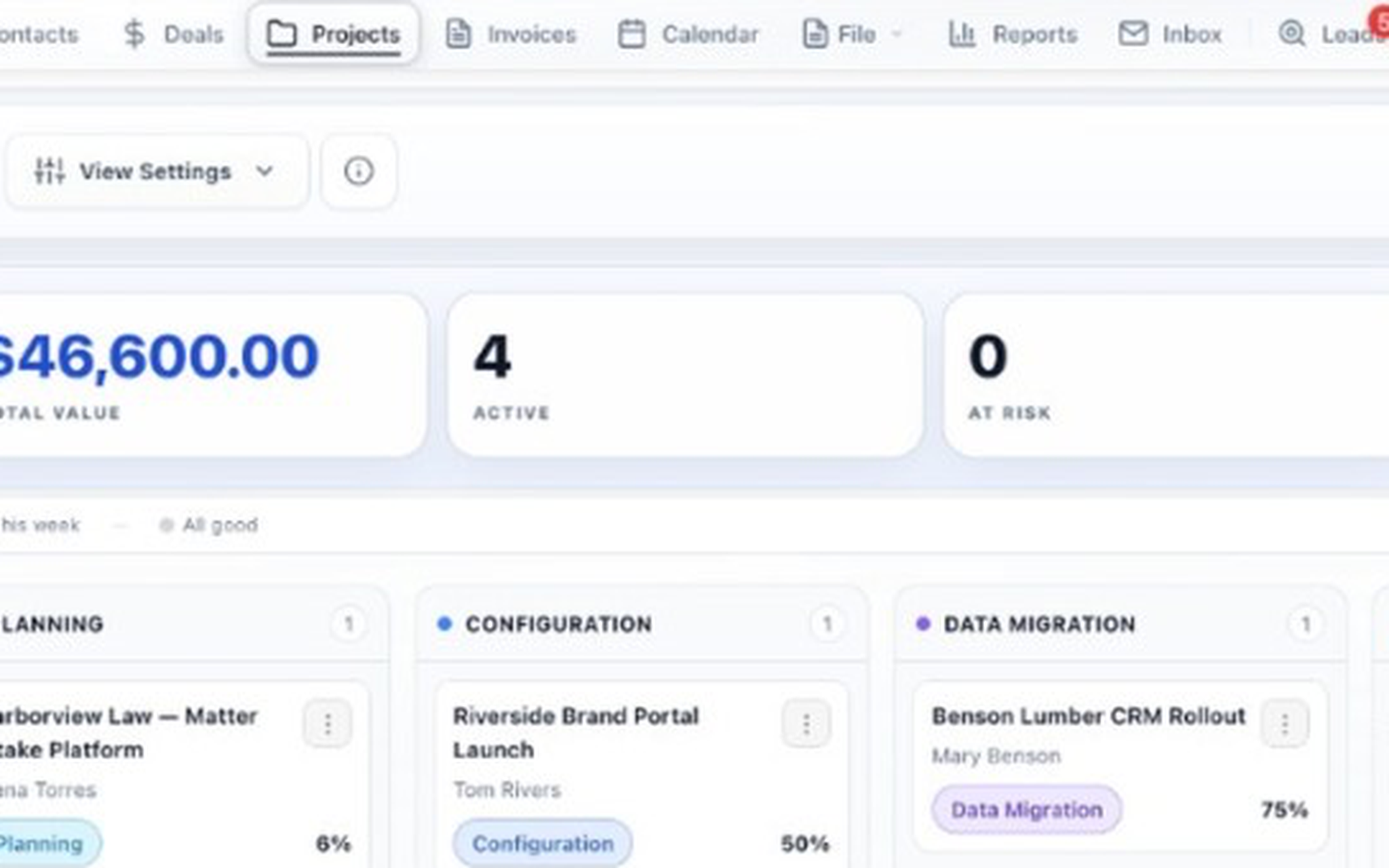
Project overview
4. Finish with invoices, reminders, and payment collection
Billing stays connected to the same customer history, delivered work, and approval state.
Keep revenue steps inside the workflow
Create invoices, send pay links, track payment status, and handle reminder follow-up without losing the account and project context. Keep QuickBooks for accounting — invoices sync to QuickBooks Online or export for Desktop.
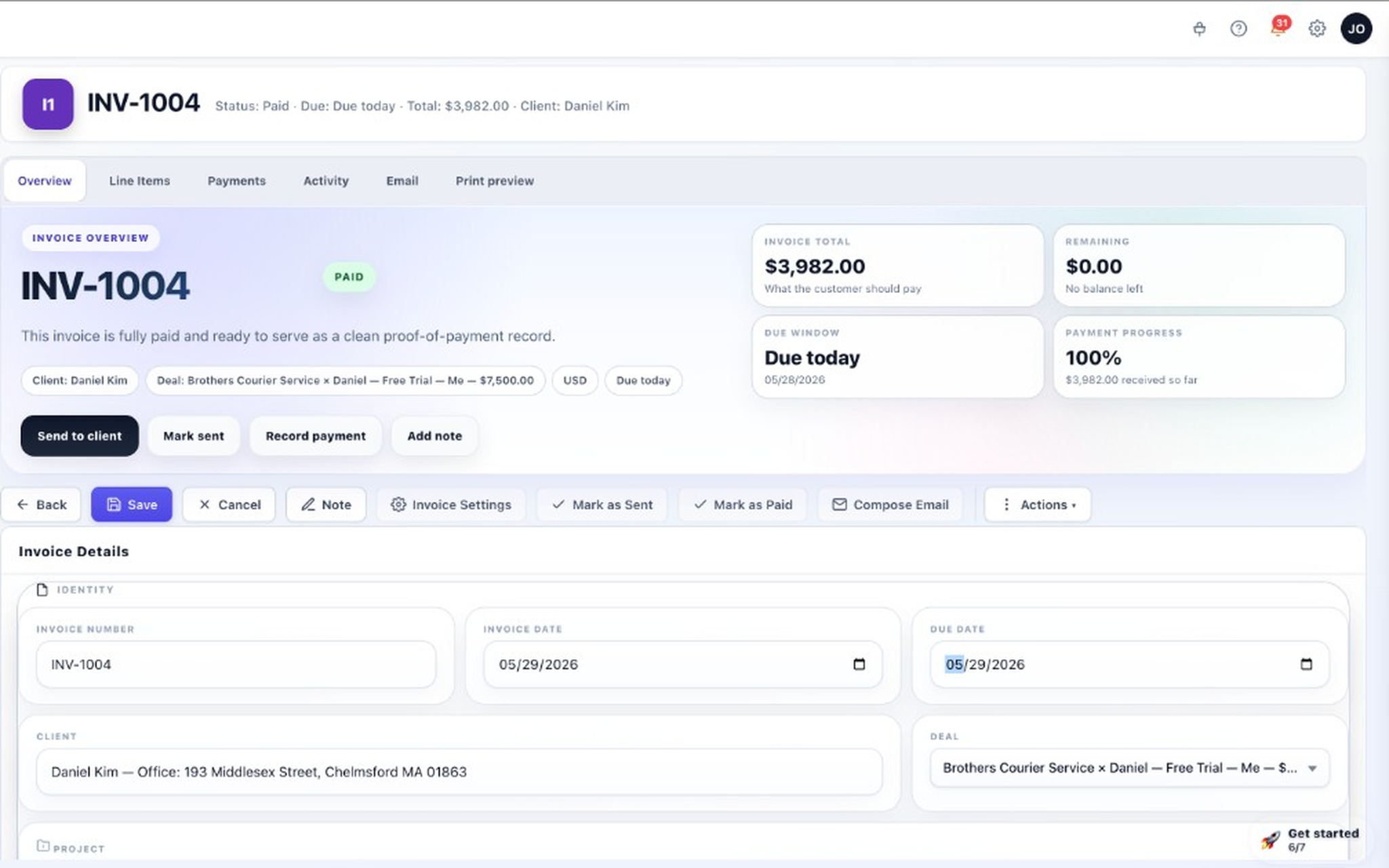
Invoice composer
Keep exploring
Pages that go deeper on the parts of the workflow shown above.
See the product as a connected system, not a disconnected stack
Start free if you want to test the workflow hands-on. Book a live demo if you want a guided walkthrough mapped to your current process.